Virtual try-on
See it on you
before you
buy it
Photograph anything on the rack. Vestly puts it on you in about half a minute.
Get it on the App Store
Virtual try-on
Photograph anything on the rack. Vestly puts it on you in about half a minute.
Get it on the App Store
How it works
You set it up once. After that every look takes one photograph and a short wait.
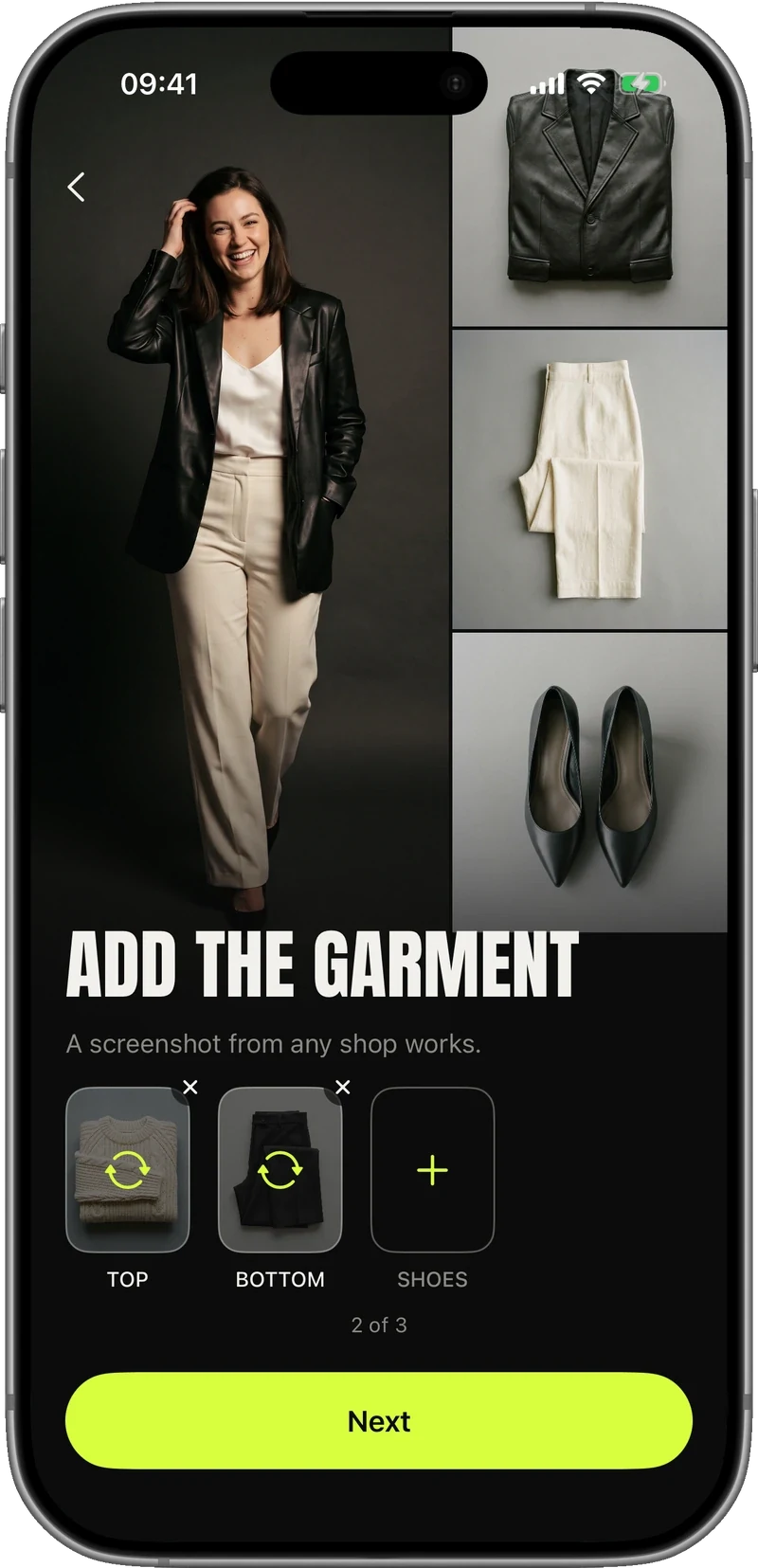
On the rack, in a shop window, or a screenshot from any online shop. Top, bottom, shoes — it works from one picture.
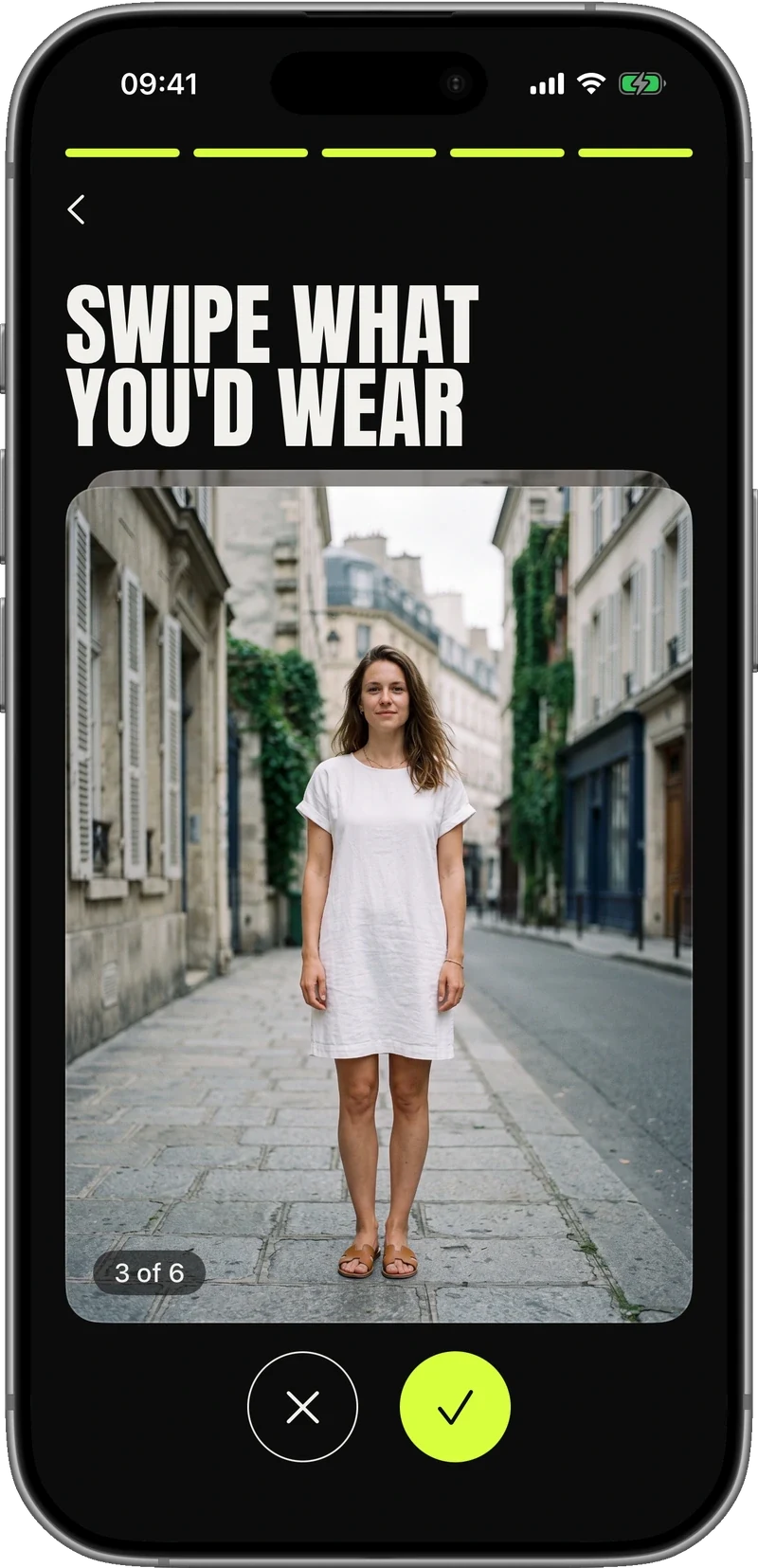
Swipe six looks at the start and Vestly knows what you like. Or pick an occasion and it suggests six ready-made looks.
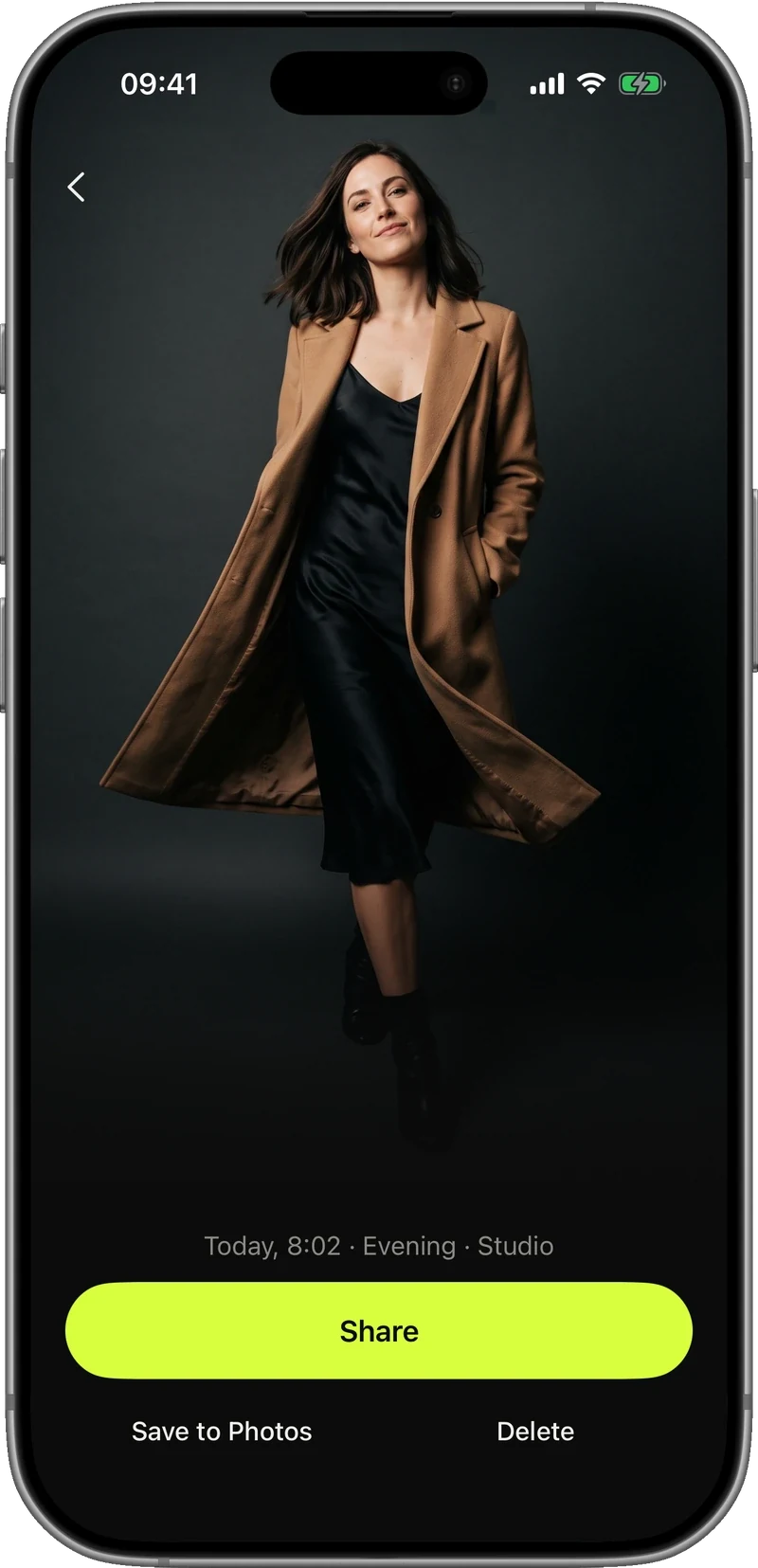
About half a minute later you are wearing it. Save it, share it, or make another one.
For women and men
Every picture is generated from your own two photographs, so the person in it is you — not a model wearing something that fits differently.
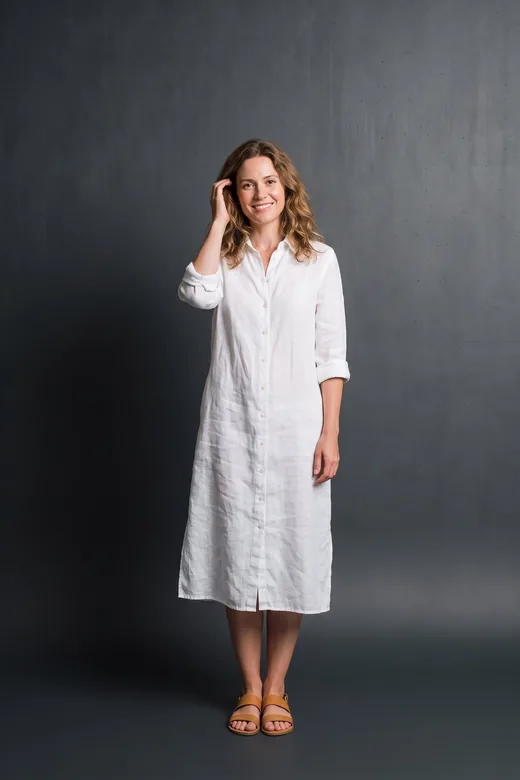

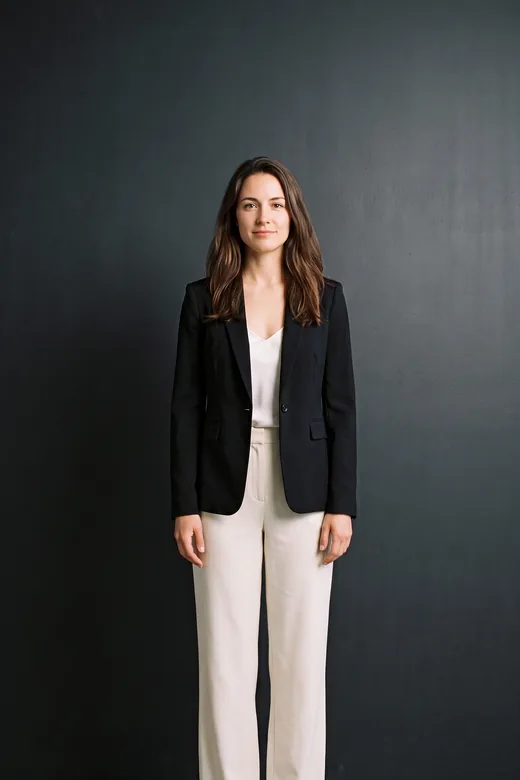

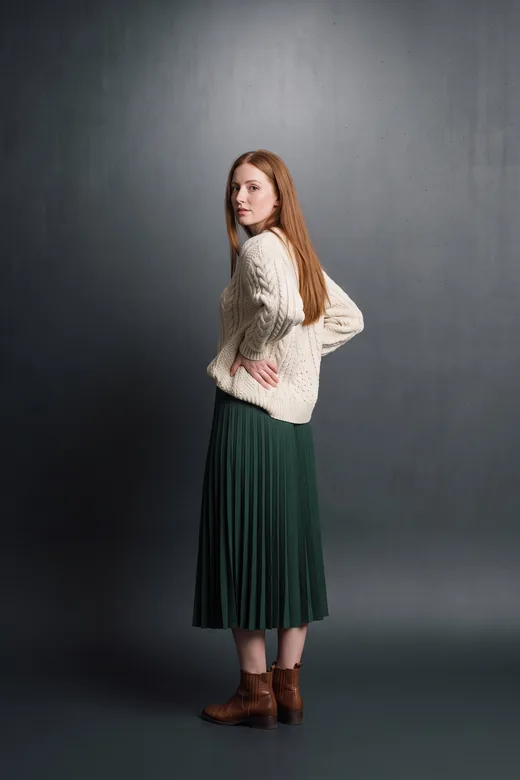
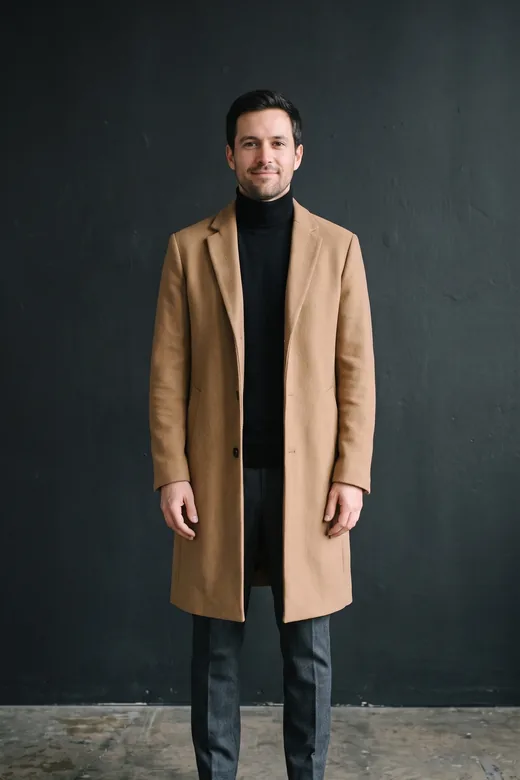
Looks from the app’s own catalogue. Your pictures have your face in them.
Not sure what to wear
First date, office Monday, wedding guest, a weekend away. Pick the occasion and Vestly shows six looks picked for it — on you, not on a hanger.
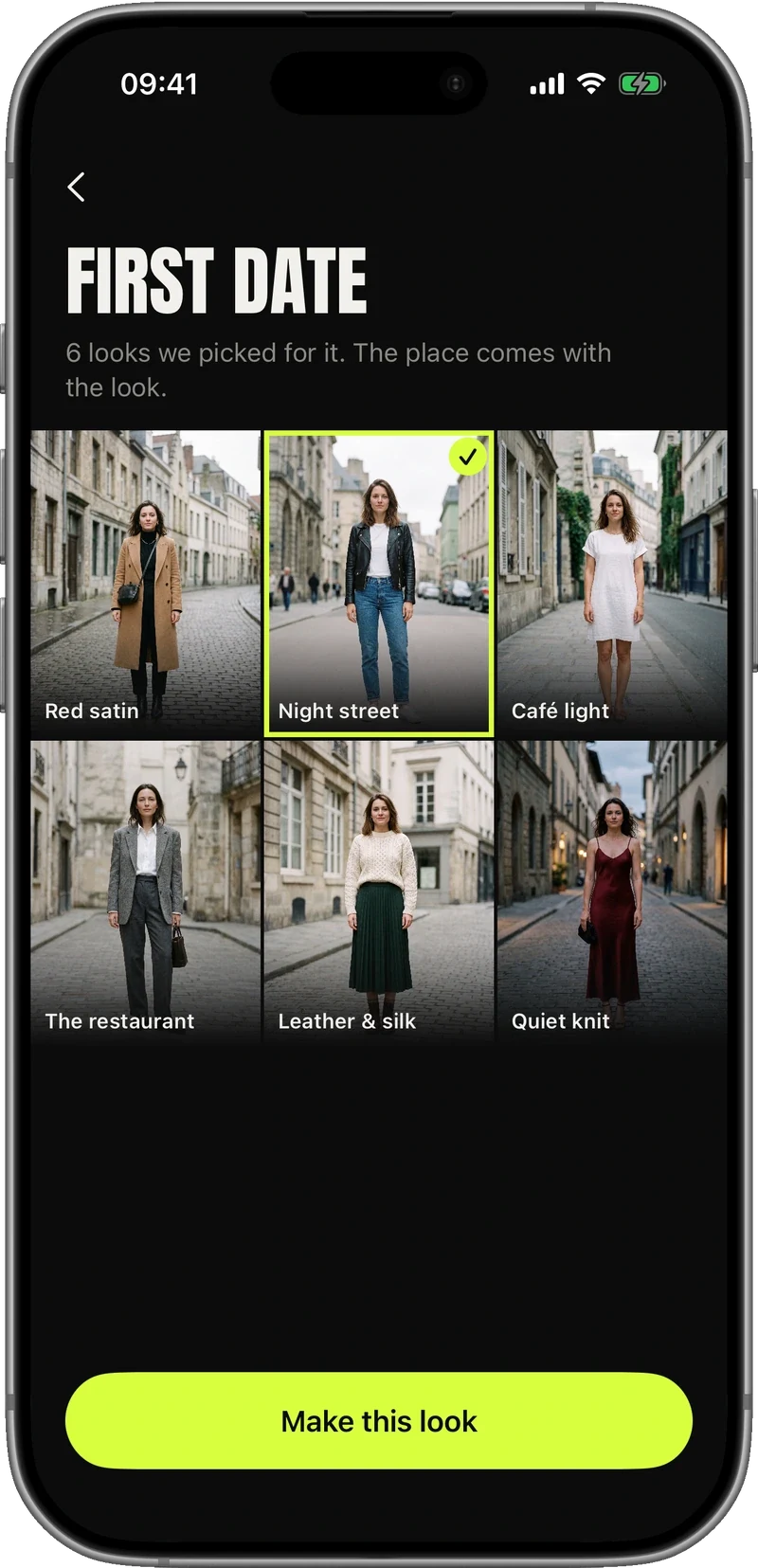
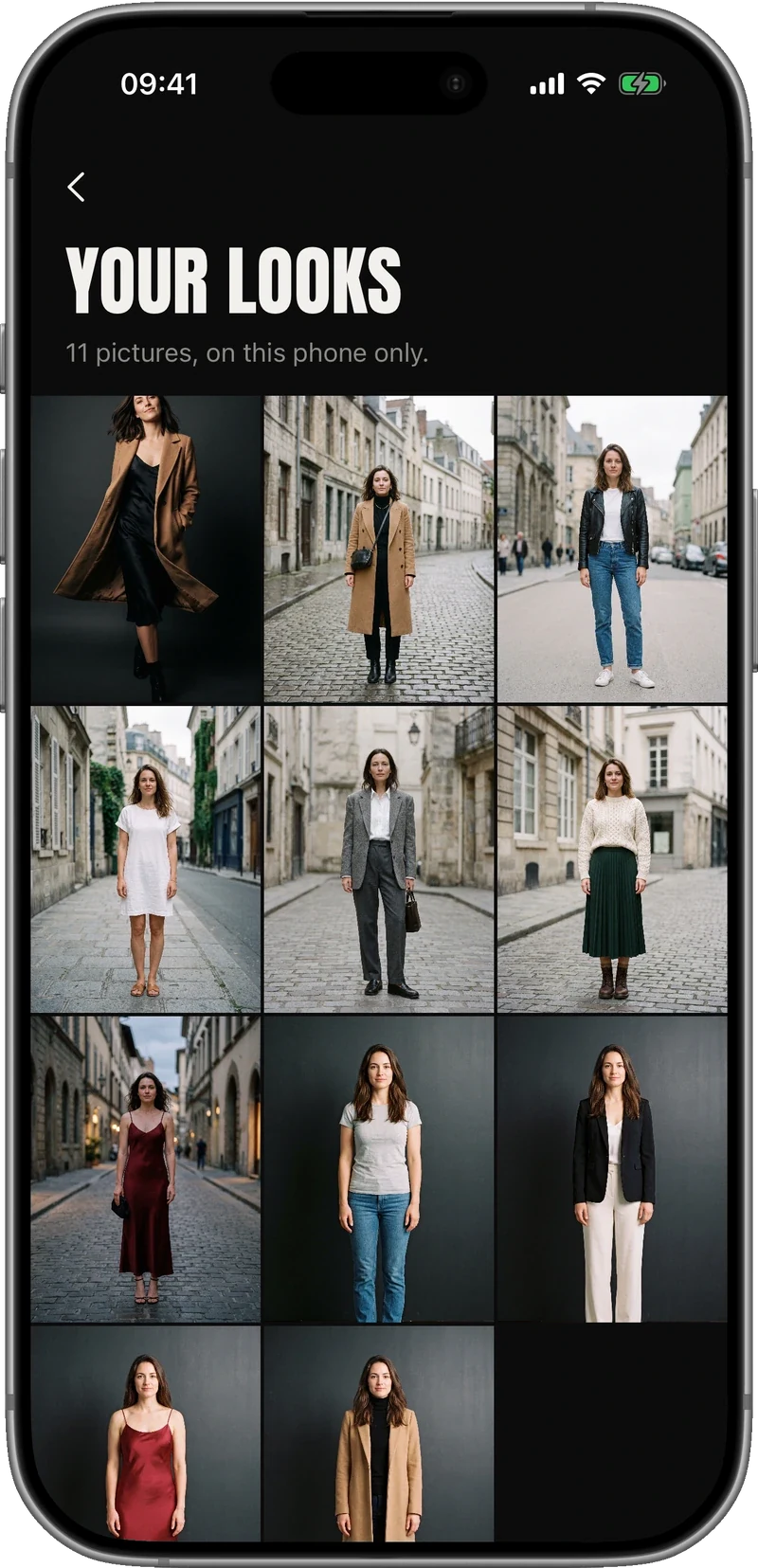
Your looks
Every picture you make is kept on your phone, in one wall you can scroll. Open one to see it full size, save it to Photos, or share it.
Pricing
Everything is included from the first day: every way of making a look, every occasion, the look of the day, and your whole history.
Payment is taken by Apple. Cancel anytime in your iPhone’s Settings, under your Apple Account → Subscriptions.
Weekly plan
$12.99 / week
Prices in other countries are set by Apple and shown in the app before you buy.
Questions
Two of yourself: one of your face and one of your whole body, standing. That is the set-up, and you can replace them at any time in Settings.
About half a minute. It can be quicker or slower depending on the picture and the connection — the app shows you the wait.
Yes. A photograph of the garment on the rack, in a window, or a screenshot from an online shop all work. Tops, bottoms and shoes.
The looks you make are kept on your phone. Your two photographs are stored on our server so the app can make new looks from them, and “Delete my data” in Settings removes them. The full detail is in the privacy policy.
In your iPhone’s Settings, under your Apple Account → Subscriptions. Apple handles the subscription, so cancelling lives there for every app, including this one.
Not yet. Vestly is iPhone only.
Three days free. Then $12.99 a week, cancel anytime.
Get it on the App Store